Ren’Py Rollback: How to Go Back and Why It Sometimes Stops
Ren'Py rollback lets you go back to earlier lines and choices. The keys, the 100-step limit, fixed rollback, rollback side, and why it stops.
On this page 7 sections
Ren’Py rollback is one of the engine’s best features: it lets you step back through the story, re-read a line you clicked past, or return to a choice and pick something else, without loading a save. Most players use it constantly. But sometimes it stops, refuses to go further, or keeps your old choice locked.
This guide covers the controls, the limits and what to do when rollback won’t go back.
Key Takeaways
- Roll back with Page Up, the mouse wheel up, or L1/L2 on a gamepad; roll forward with Page Down or the wheel down.
- Ren’Py lets you roll back 100 steps by default.
- Developers can block rollback in places or “fix” choices so you can’t change them.
- On touch screens, Rollback Side in Preferences lets you tap one side of the screen to go back.
How to Roll Back
| Input | Action |
|---|---|
| Page Up, mouse wheel up | Roll back |
| Page Down, mouse wheel down | Roll forward again |
| L1 / L2 (gamepad) | Roll back |
| R1 (gamepad) | Roll forward |
| Back button (Android) | Roll back |
These are Ren’Py’s default bindings (Ren’Py: keymap, retrieved 2026-10-12). Rolling forward replays exactly what you saw, so you can return to where you were.
Using Rollback to Change a Choice
Roll back until the choice menu appears again, then pick a different option. Everything that happened after the old choice is undone, including stat changes and flags. It’s the fastest way to explore routes, as long as the game allows it (see below).
Why Rollback Stops
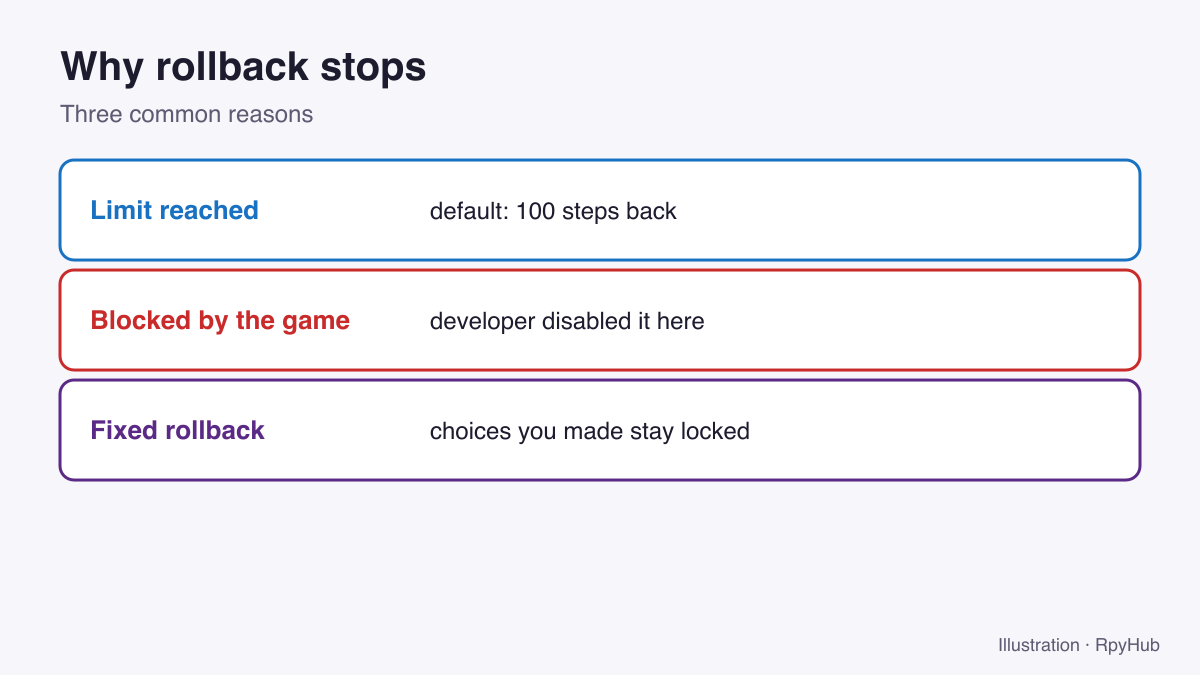
1. You hit the limit
Ren’Py’s config.hard_rollback_limit defaults to 100: the number of steps a player can roll back interactively (Ren’Py: configuration variables, retrieved 2026-10-12). Going further back than that requires loading a save. Some developers raise or lower this number.
2. The developer blocked rollback
Developers can disable rollback entirely or block it at certain points so you can’t undo an important event, a minigame result or a random outcome. When rollback stops at the same spot every time, that is usually deliberate.
3. Fixed rollback
Some games use fixed rollback: you can roll back to re-read, but choices you already made stay locked. By default, only the option you picked stays clickable, so rolling forward follows the same path. This is how developers let you re-read without letting you change decisions.
Rollback Side on Phones and Tablets
On touch devices you can set Rollback Side in Preferences: choose Left or Right, and tapping that side of the screen rolls back instead of advancing. Choose Disable if you keep rolling back by accident. Ren’Py has separate defaults for desktop and mobile, so the option may already be on in Android versions.
Rollback vs Saves
Rollback is for small steps; saves are for safety. Good habits:
- Save in a new slot before each major choice.
- Use rollback for quick “what if” checks and re-reading.
- Back up your save folder before game updates (where Ren’Py save files are).
Frequently Asked Questions
How do I go back in a Ren’Py game?
Press Page Up or scroll the mouse wheel up. On a gamepad, press L1 or L2.
Why can’t I roll back any further in Ren’Py?
You’ve reached the rollback limit (100 steps by default), or the developer blocked rollback at that point.
Why can’t I change my choice after rolling back?
The game uses fixed rollback, which lets you re-read but keeps your previous choice.
What does “rollback side” mean in Ren’Py?
It’s a touch-screen setting: tapping the chosen side of the screen rolls back instead of advancing.
Conclusion
Roll back with Page Up or the mouse wheel, forward with Page Down. When it stops, you’ve hit the 100-step limit, a developer block or fixed rollback, so save before big choices to keep your options open.
Skipping problems instead? See Ren’Py skip not working.















Comments
0